
How to Build an eCommerce Website with WordPress in 2025 (Step-by-Step Guide)

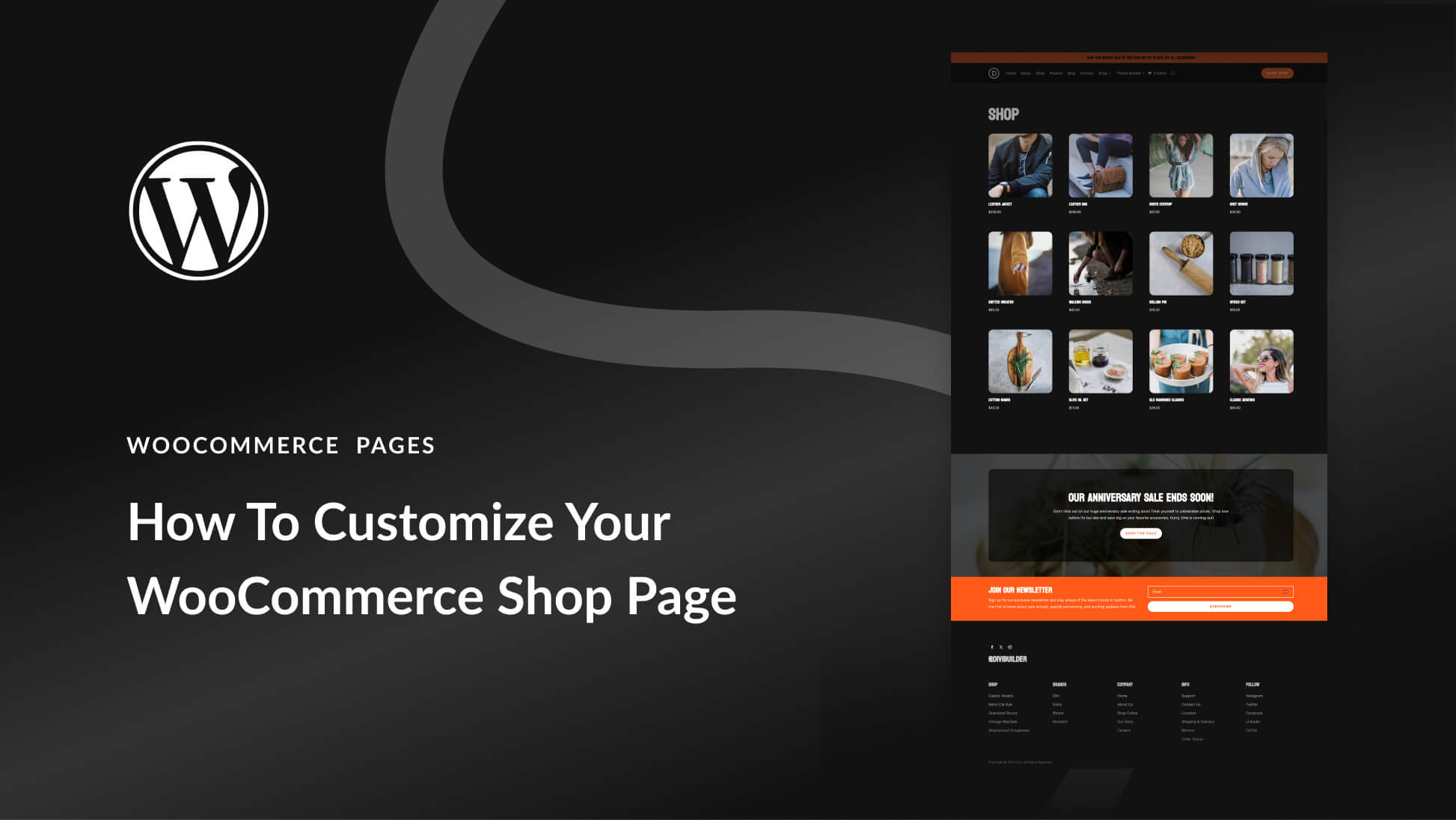

Building an online store in 2025 & 2026 is easier, faster, and more profitable than ever. Thanks to WordPress + WooCommerce, you can create a professional eCommerce website without coding, and start selling products globally in just a few hours.
This guide covers everything — hosting, themes, plugins, payments, marketing, and AI tools to automate your business.
✅ Step 1: Choose Reliable Hosting (2025 Recommended Hosting)
Your hosting affects your speed, security, SEO, and user experience.
Top Recommended Options
- Hostinger → Fastest + cheapest for beginners
- SiteGround → Best security & WooCommerce optimization
- Bluehost → Official WordPress partner
- Cloudways → High-performance cloud hosting
What to look for:
- Free SSL certificate
- 1-click WordPress install
- Unlimited bandwidth
- eCommerce-ready servers
- 24/7 support
✅ Step 2: Install WordPress (1-click)
Once you've bought hosting, install WordPress:
- Go to your hosting control panel
- Click Install WordPress
- Set your username + password
- Log in at:
yourwebsite.com/wp-admin
✅ Step 3: Install WooCommerce (Your Store Engine)
WooCommerce turns your WordPress site into a full online shop.
Go to Plugins → Add New
Search WooCommerce
Install + Activate
- Configure
- Currency
- Payment options
- Shipping zones
- Tax setup
WooCommerce is free, flexible, and supports digital & physical products.
✅ Step 4: Choose a 2025-Optimized eCommerce Theme
Your theme controls your design and user experience.
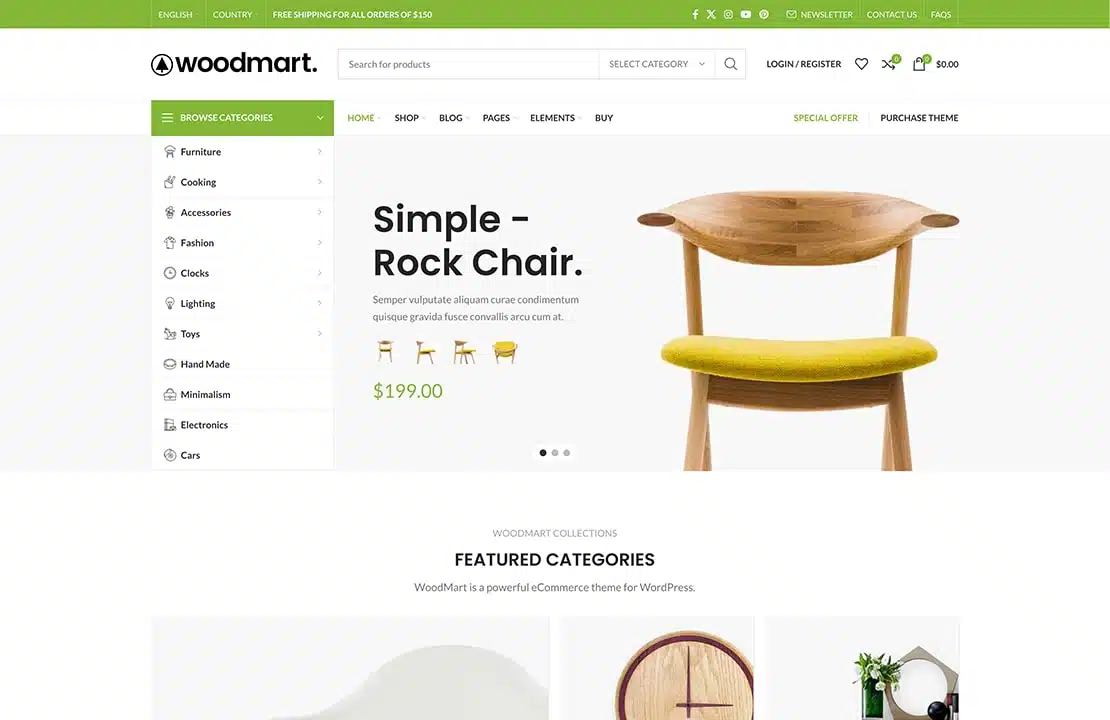
Top eCommerce Themes for 2025


4
Theme | Why It’s Good (2025) |
|---|---|
Astra | Fastest, works with Elementor/Bricks |
Flatsome | Best design for WooCommerce |
WoodMart | Perfect for fashion & tech stores |
Blocksy | Lightweight, modern, fast |
After installing your theme, import a demo template to start fast.
✅ Step 5: Build Your Pages (Using Elementor or Gutenberg)
Essential eCommerce pages:
- 🏠 Home page
- 🛍️ Shop page
- 📦 Product pages
- 🧺 Cart page
- 💳 Checkout page
- 📞 Contact page
- ℹ️ About page
Use Elementor, Bricks, or Gutenberg to design:

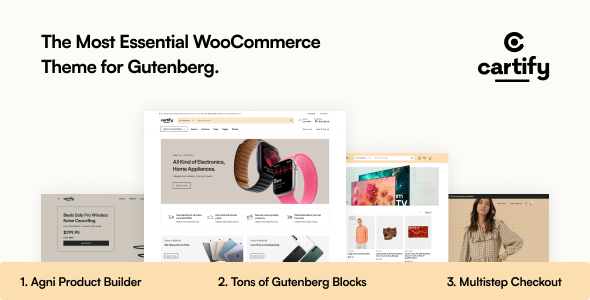
- Drag & drop page builder
- Real-time editing
- Mobile-friendly layouts
- Add product grids, banners, sliders, offers
✅ Step 6: Add Products
Go to Products → Add New
Add:
- Product name
- Description
- Images & gallery
- Price
- SKU
- Inventory
- Variations (size, color, etc.)
- Shipping weight
- SEO title + keywords
📌 Tip: Use AI-generated product descriptions to save time & increase conversions.
✅ Step 7: Set Up Payments (2025 Options)
WooCommerce supports all major payment methods:
Recommended Setup
- Stripe (Credit / Debit Cards)
- PayPal
- Apple Pay + Google Pay
- Cash on Delivery (for Morocco + local markets)
- Bank transfer
You can activate them from:
WooCommerce → Settings → Payments
✅ Step 8: Configure Shipping
Set zones:
- LocalNational
- International
Shipping plugins:
- WooCommerce shipping
- DHL / Fedex plugins
- Local delivery plugin (for Morocco / EU)
✅ Step 9: Install Essential eCommerce Plugins (2025)
🚀 Performance
- WP Rocket
- LiteSpeed Cache
🛡️ Security
- Wordfence
- Cloudflare
📈 SEO
- Rank Math SEO
- Yoast SEO
📧 Marketing & Email
- MailPoet
- Klaviyo
- FluentCRM
🛍️ WooCommerce Boosters
- WooCommerce Payments
- Variation Swatches
- Product Filters
- Cart Upsells & Cross-sells
✅ Step 10: Launch Your Store
Before launching, check:
✔️ Speed test
✔️ Mobile optimization
✔️ Checkout working
✔️ Email notifications
✔️ SEO optimization
✔️ Google Analytics + Search Console
Then go live!
🌟 Advanced AI Tools for eCommerce Success in 2025
Use AI to grow faster:
⚡ Product description generator
⚡ AI Ads generator (Meta / TikTok / Google)
⚡ AI SEO optimization
⚡ AI product research tools
⚡ AI chatbots
This will help you outperform 90% of other stores.
